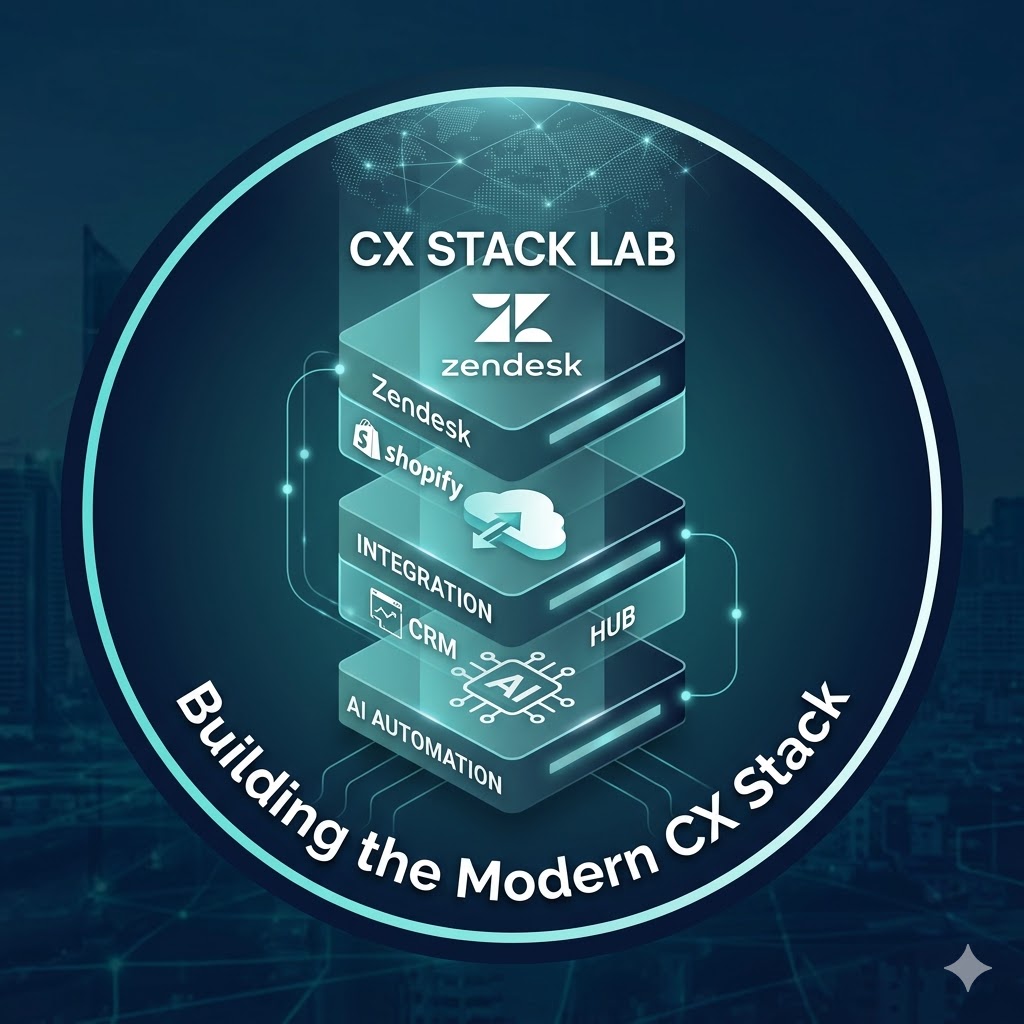
Zendesk Operations and Automation
Production-safe Zendesk Support MCP: dry-run ticket updates, SLA breach radar, natural-language macro specs, and weekly ops summaries.
How to pay
Subscribe
$25/month
Predictable monthly cost with included usage. Best for steady, high-volume traffic.
- Unlimited tools within plan limits
- One API key, billed once a month
- Cancel any time
Overview Zendesk Support Ops MCP connects AI assistants like Claude and Cursor directly to your Zendesk instance for real operational work — not just ticket lookup. It is built around four problems support teams hit daily: writing to Zendesk without safety guardrails, manually hunting SLA breaches, authoring macros through UI clicking, and waiting for Explore to generate reports that managers needed on Monday morning. Every write operation ships with a dry-run preview by default. You see the exact diff before anything changes. Execution requires an explicit confirm. This is designed for teams that cannot afford an AI assistant making unreviewed edits to live tickets.
Key Capabilities
- Dry-run ticket writes — preview tag changes, priority updates, status transitions, assignee moves, and custom field edits as a unified diff before applying. Execution gate requires confirmation: true.
- SLA breach radar — surface open tickets at breach risk ranked by wait time, with per-ticket SLA explanation covering first reply time, resolution time, reopens, and a plain-language risk verdict.
- Natural-language macro authoring — describe a macro in plain text or structured JSON, get back validated Zendesk actions[], preview the result on a real ticket, then create — all without touching the Zendesk UI.
- Weekly manager digest — one tool call generates a Monday-ready ops summary: tickets created vs solved, resolution rate, priority breakdown, top tags, SLA health signal, and CSAT where your plan supports it.
- Safe internal notes — add private comments with dry-run preview so agents can confirm content before posting.
- Full ticket search and context — Zendesk search syntax with pagination, full ticket hydration including SLA metrics, tags, assignee, and channel.
Use Cases
- Morning SLA sweep — run list_sla_breaches to get a ranked list of at-risk tickets, then use prioritize_ticket_queue logic to work top-down without missing a breach.
- Safe bulk retag — preview changes across multiple tickets with preview_ticket_update, review the diff, then apply with execute_ticket_update confirm:true — no accidental overwrites.
- Macro library management — take a Slack-style spec ("set pending, add tag billing-query, reply saying we're investigating"), run create_macro_from_spec in dry-run, tweak, then create — validated against Zendesk's action schema.
- Leadership reporting — run weekly_support_summary for a paste-ready digest covering volume, resolution rate, SLA health, and CSAT, without opening Zendesk Explore.
- Ticket investigation — use explain_ticket_sla to get a full SLA story for any ticket: how long it's waited, what the metrics say, and whether it needs immediate action.
Who This Is For Support managers running daily triage who want AI to surface breach risk and safe fixes — not make unreviewed changes. Senior agents maintaining macro libraries at scale who need NL-to-macro without UI clicking. Team leads preparing weekly reports for leadership without Explore training. Zendesk admins who want to extend Claude or Cursor with governed write access to their instance. Operations-minded teams at 5–200 seat Zendesk shops where SLA misses are expensive and macro hygiene matters.
This server is deliberately not "another ticket search MCP." The wedge is safety + ops depth for teams that care about auditability.