Cursor MCP Setup: Connect Your IDE to External Tools#
TL;DR: Add MCP servers to Cursor via ~/.cursor/mcp.json. Start with Context7 for up-to-date docs, add Chrome DevTools for debugging, and GitHub for PR management. Same config format as Claude Desktop.
You're coding in Cursor and ask: "What's in my database schema?"
Without MCP: "I can't access your database. Please share the schema."
With MCP: "Your users table has 12 columns. Here's the structure..."
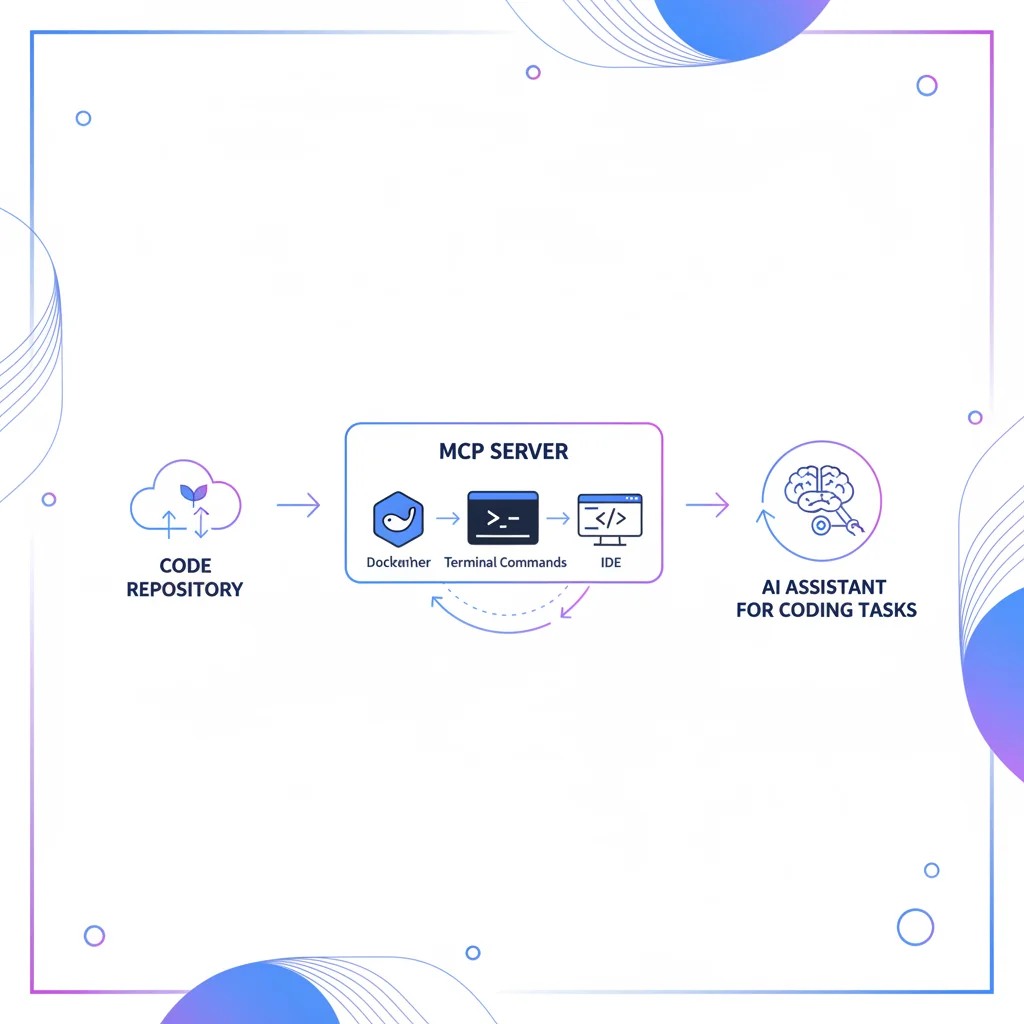
Cursor MCP connects your AI coding assistant to real tools — databases, GitHub, file systems, browsers. This guide shows you how to set it up.
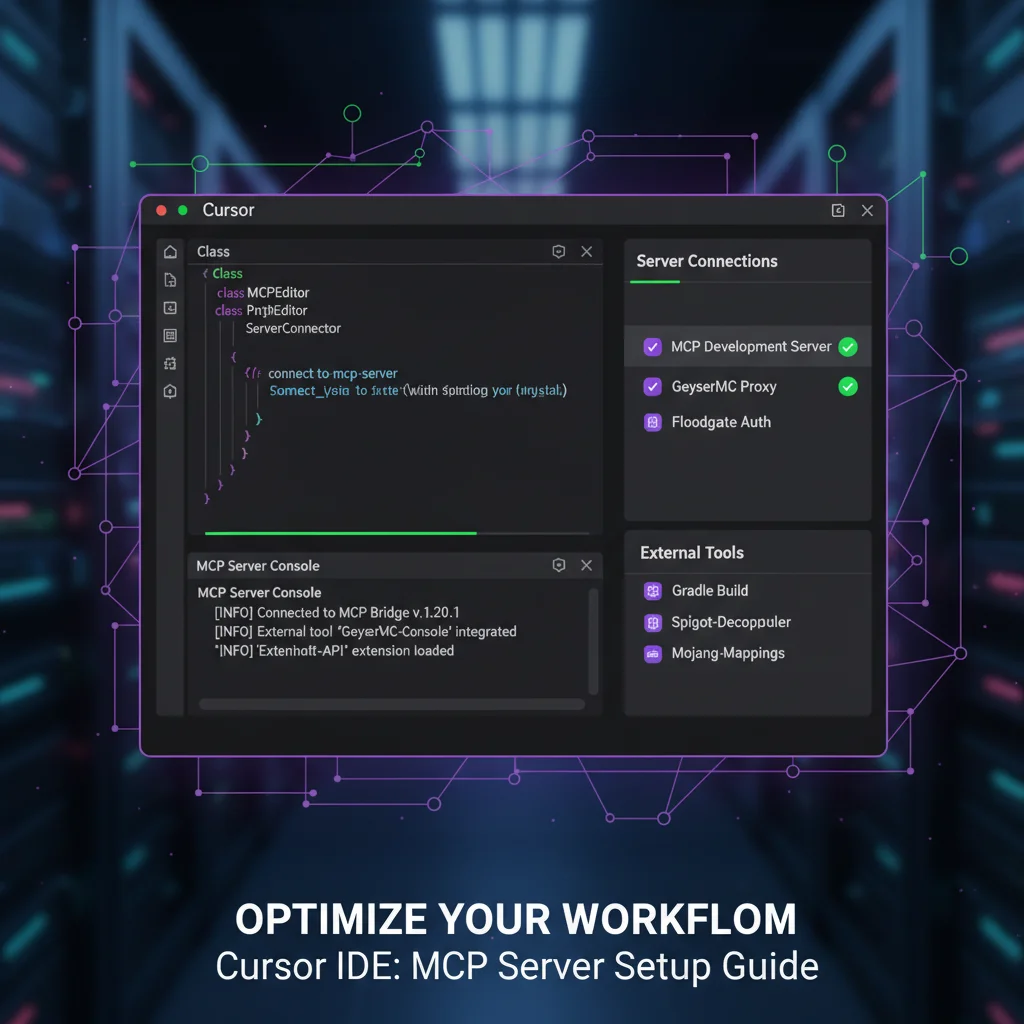
Quick Setup (2 Minutes)#
Step 1: Create Config File#
Create ~/.cursor/mcp.json (global) or .cursor/mcp.json (project-specific):
{
  "mcpServers": {
    "context7": {
      "command": "npx",
      "args": ["-y", "@upstash/context7-mcp"]
    }
  }
}
Step 2: Restart Cursor#
Fully restart — not just reload window. MCP servers connect at startup.
Step 3: Test It#
Ask Cursor: "Show me the latest Next.js routing documentation"
If you get current docs, MCP is working.
Best Servers for Developers#
| Server | What It Does | Best For |
|---|---|---|
| Context7 | Up-to-date library docs | Every developer |
| Chrome DevTools | Debug LCP, read console logs | Performance optimization |
| shadcn-ui | Component source & demos | UI development |
| GitHub | PRs, issues, code review | Team collaboration |
| PostgreSQL | Query your database | Backend developers |
| Playwright | Browser automation | Testing, scraping |
Config File Locations#
| Scope | Path |
|---|---|
| Global | ~/.cursor/mcp.json |
| Project | .cursor/mcp.json (in project root) |
Project-specific configs override global. Use project configs for team-shared setups.
Real Developer Workflows#
Backend Developer Setup#
Connect to your database with up-to-date docs and structured problem-solving:
{
  "mcpServers": {
    "context7": {
      "command": "npx",
      "args": ["-y", "@upstash/context7-mcp"]
    },
    "postgres": {
      "command": "npx",
      "args": ["-y", "@modelcontextprotocol/server-postgres", "postgresql://localhost/mydb"]
    },
    "sequential-thinking": {
      "command": "npx",
      "args": ["-y", "@modelcontextprotocol/server-sequential-thinking"]
    }
  }
}
Now you can ask:
- "Show me the latest Prisma docs for migrations"
- "Write a query to find inactive users"
- "Think through the best indexing strategy for this schema"
Full-Stack Developer Setup#
Essential stack for frontend + backend work:
{
  "mcpServers": {
    "context7": {
      "command": "npx",
      "args": ["-y", "@upstash/context7-mcp"]
    },
    "shadcn-ui": {
      "command": "npx",
      "args": ["-y", "shadcn-ui-mcp-server"]
    },
    "chrome-devtools": {
      "command": "npx",
      "args": ["-y", "chrome-devtools-mcp"]
    },
    "github": {
      "command": "npx",
      "args": ["-y", "@modelcontextprotocol/server-github"],
      "env": { "GITHUB_TOKEN": "ghp_your_token" }
    },
    "playwright": {
      "command": "npx",
      "args": ["-y", "@playwright/mcp"]
    }
  }
}
Now Cursor can:
- Get current React/Next.js/any library docs
- Build UI with shadcn/ui components correctly
- Debug LCP issues and read console logs via Chrome DevTools MCP
- Create PRs and manage repos
- Run browser tests
Cursor vs Claude Desktop#
| Feature | Cursor | Claude Desktop |
|---|---|---|
| Primary use | Coding | General AI |
| Config key | mcpServers | mcpServers |
| Config file | ~/.cursor/mcp.json | ~/Library/.../claude_desktop_config.json |
| Restart method | Restart app | Quit & relaunch |
| Best servers | Dev tools (Git, DB, DevTools) | Productivity tools |
Same JSON format, same servers. Copy configs between apps — they're compatible.
Troubleshooting#
Server Not Connecting#
| Problem | Solution |
|---|---|
| No response from server | Did you restart Cursor? (Not just reload) |
| "Command not found" | Use full path: /usr/local/bin/npx |
| JSON syntax error | Validate at jsonlint.com |
| Config not loading | Check file is mcp.json, not settings.json |
Check Server Status#
- Open Command Palette (
Cmd/Ctrl + Shift + P) - Type "MCP: Show Server Status"
- Look for green indicators
Test Manually#
Run the server in terminal first:
npx -y @modelcontextprotocol/server-filesystem /your/projectIf it works here, the issue is Cursor config. If it fails, the server has a problem.
Pro Tips#
Use project-specific configs — Put .cursor/mcp.json in your repo. Each project gets the servers it needs.
Start simple — Begin with Context7. Add more as needed.
Environment variables — Store tokens in env vars, not config files:
"env": { "GITHUB_TOKEN": "${env:GITHUB_TOKEN}" }Workspace path — Use variables for portable configs:
"args": ["-y", "@modelcontextprotocol/server-filesystem", "${workspaceFolder}"]Frequently Asked Questions#
Does Cursor support MCP?#
Yes. Cursor has native MCP support since late 2024. Configure servers in ~/.cursor/mcp.json.
What's the difference between Cursor MCP and Claude MCP?#
Same protocol, same config format. Both use mcpServers key. Configs are fully compatible.
Which servers should I start with?#
Context7 for docs, Chrome DevTools MCP for debugging. Add shadcn-ui for UI work, GitHub for collaboration.
Can I use the same servers as Claude Desktop?#
Yes. Copy configs directly — both apps use identical mcpServers format.
Your Dev MCP Stack#
| If you need... | Use this server |
|---|---|
| Library docs | Context7 |
| UI components | shadcn-ui |
| Performance debugging | Chrome DevTools |
| GitHub integration | GitHub |
| Database queries | PostgreSQL |
| Browser testing | Playwright |
| Complex reasoning | Sequential Thinking |
Related: Claude MCP Setup | GitHub MCP Server | What is MCP?